



Signal view once media lets you choose a single viewing for an individual photo or video before sending it. Attach the media, switch its viewing control to the one-view state, then send. Current Signal instructions cover Android, iPhone and Desktop. The sender cannot reopen the sent attachment in the conversation. For the receiver, opening consumes it; unopened media also expires when an applicable disappearing-message timer runs out or 45 days after sending, whichever happens first. I would use this for a temporary visual reference between people I trust, after checking the destination and the image itself. It is a poor choice for something the recipient must revisit. Removal from conversation history does not establish that a separately retained source file was erased, or that another person cannot make an independent copy. Decide what should remain available before sending, rather than discover the tradeoff after opening.
I am building UmbrellaX with that distinction in mind. My intended account model has no phone-number foundation, but that cannot make an unsuitable image safe to share. A media control should tell someone what happens to this attachment, including what they lose. A reassuring icon with an unclear consequence is not enough.
This guide uses primary documentation checked on 20 October 2026. I distinguish the documented workflow from my product judgement below. I am not claiming that I tested every handset or that UmbrellaX already ships an equivalent feature.
Choose one viewing before you send
Start inside the intended individual or group conversation. In Signal’s current media instructions, add a photo or video through the attachment control, then change the viewing icon to 1 before sending. On mobile the starting symbol is infinity; Desktop has its own initial icon. Check the selected state instead of relying on a remembered button position.
I would pause over the destination before touching Send. Choosing a temporary attachment does not make a wrong recipient right. In a group, the relevant decision is the audience of that group, not just the person whose last message you are answering.
Consider a made-up workshop exchange. Someone needs to choose between two fabric colours before an order is placed. A quick photo can settle the question without becoming a permanent item in the chat. But if that image is the only record of the agreed specification, I would keep the agreement elsewhere with everyone’s knowledge. One viewing would work against the task.
My pre-send check is therefore concrete: right conversation, right image, right viewing state. It takes less effort than explaining afterwards that a record was supposed to remain available. I would also keep any necessary reference outside the message before committing, rather than assume a later tap will reopen it.
Open received media when you are ready
Signal’s original view-once announcement describes a deliberate change to conversation history: the media gives way to an indicator instead of remaining a browsable attachment. I like that small piece of context. It tells people that media existed without keeping the picture sitting in the thread.
For me, this changes how I would receive an attachment. I would not open it while walking through a doorway or juggling another task merely to clear an unread marker. Pick a moment to look properly. If the image contains an instruction you must follow later, ask the sender to provide that information in a suitable lasting form.
Tap or select the received media bubble to open it full screen; use X or back when finished. Closing it ends that viewing. Unopened media has a limit too: the applicable chat timer or the 45-day maximum can remove it first. Those are reasons to coordinate a time-sensitive exchange, not an invitation to leave important information waiting indefinitely.
I would ask before resending an item that someone missed. Perhaps they opened it accidentally; perhaps they decided they did not want to view it. Repeatedly sending a private image until it gets a response defeats the consent I want this kind of control to support. A short ordinary message can establish whether another copy is welcome.
A timer and one viewing do different jobs
I choose between these controls by the work the conversation needs to do. A team discussing a change over several hours may need to revisit a photograph during the discussion. A person checking one small detail immediately may not. The fact that both situations involve temporary information does not make their viewing needs identical.
| What the conversation needs | Decision I would make |
|---|---|
| One immediate visual answer | Consider a one-view attachment after agreeing the purpose |
| A reference during a continuing discussion | Keep it available for the agreed working period |
| A durable decision or contractual record | Use a record-keeping process the participants understand |
| Protection from an untrusted recipient | Reconsider sending the image at all |
Signal’s disappearing-message documentation treats the chat timer as a retention setting for new messages. It also warns that a recipient can photograph a screen with another camera. I would apply that same physical limit when judging a one-view attachment. A viewing rule inside an app cannot bind a separate camera. For controls on your own display, use the screen-security guide.
The fuller disappearing-messages analysis covers continuing retention and recipient trust. I keep the question narrower here: does this particular photograph need to be opened again? If the answer is yes, choosing one viewing is the wrong tradeoff even in a conversation with a retention timer.
Sending removes a chat attachment, not every original
Suppose I select a picture that already exists in a phone’s photo library. I would treat that library file and the attachment’s chat lifecycle as separate objects. The documented absence of the sent media from Signal history is not evidence that another app deleted its original, its synchronised copy or an earlier export.
That distinction also changes what I inspect before sharing. A temporary picture can still show a name on a parcel, a reflection or a document in the background while it is visible. I would crop or retake an unsuitable image before considering its viewing mode. For hidden image data, see the separate photo-metadata guide. One viewing is not an image-sanitising operation.
Backups have a defined boundary too. Signal Secure Backups explicitly excludes view-once messages. I would not promise a recipient that restoring their chat will rescue a picture they chose to open. If an ongoing project needs the image later, arrange appropriate storage at the start.
The encrypted-backup article explains recovery choices in depth. Likewise, approving another endpoint is the separate decision covered by linked-device access. I would not assume a device that happens to be linked gives me another independent viewing opportunity. Make the sharing decision without counting on a recovery trick.
If the control is missing, update rather than improvise
If the expected control is missing, I would compare the installed version with the official update route before deciding that the feature is unavailable.
Signal’s update guidance explains the platform-specific steps: use the official mobile store or the normal Desktop update mechanism, then reopen the application where required. I would avoid an unofficial modified client that advertises a way to restore or bypass temporary media. That asks me to trust new software precisely where I wanted a narrower disclosure.
Receiving an unopened item is also different from waiting to download it. Signal’s data-usage guidance lists view-once media among the types automatically downloaded on Android and iOS. I would not use an ordinary image auto-download preference as proof that this attachment has not reached the device. Downloading and viewing are different events.
For a harmless rehearsal, agree with a trusted contact to exchange a photo of an unmarked scrap of paper. Observe the selected mode before send and the resulting state after opening. I would use that to learn the interface, without treating one successful rehearsal as a security audit. Never put a real secret into a test merely to find out what a button means.
The consent I want UmbrellaX to make clear
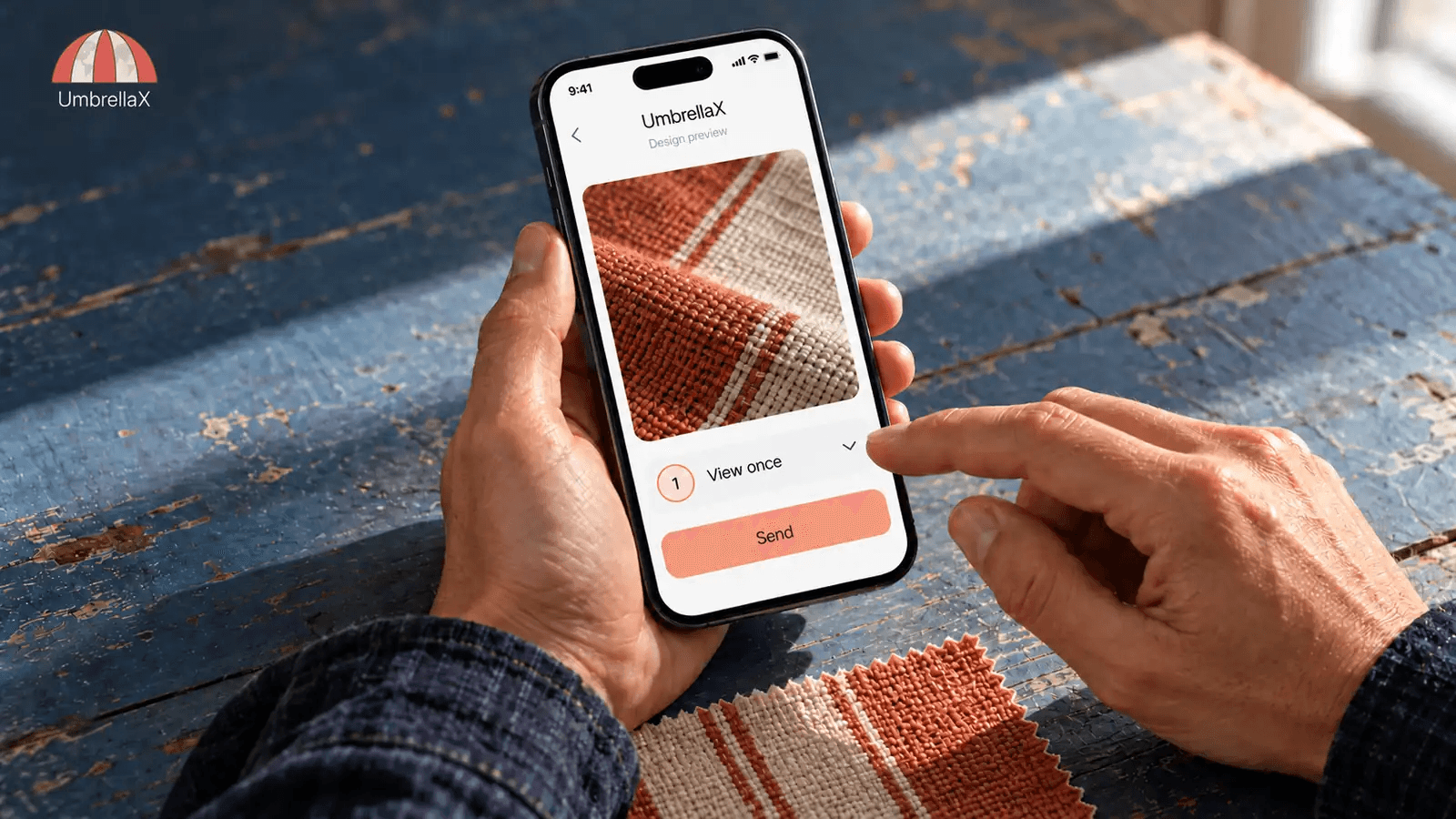
UmbrellaX is pre-launch. The image accompanying this article is an editorial design preview, not evidence of a released media feature. My requirement is that a future attachment interface explain the viewing choice while the sender can still change their mind.
I do not want the product to trade an understandable consequence for a stronger-sounding label. Before send, someone should know whether they can revisit their own attachment. A recipient should have enough context to decide whether to open now. In UmbrellaX’s planned MLS group design, I still need clear membership decisions before an attachment reaches that audience. The controls should describe the media’s lifetime without making a promise about a hostile person’s equipment.
I would accept a little friction at that point. Asking for attention before an irreversible choice is useful when it prevents somebody sending the only useful copy of a work reference in the wrong form. Adding a warning to every routine action would make the important warning disappear into noise.
This is how I want my work on UmbrellaX to be judged: by whether a person can predict the consequence of a privacy choice. Keeping unnecessary media out of a conversation archive has value. Being based in Kazakhstan, outside the Five Eyes, does not make an expired picture evidence of an empty operator record. My operator privacy responsibilities include minimising the records that outlast the attachment. I would rather explain each boundary clearly than imply that one tap has solved all of them.
Sources
- Signal Support: View Once Media official
- Signal: Sometimes once is better than a lifetime official
- Signal Support: Set and manage disappearing messages official
- Signal Support: Signal Secure Backups official
- Signal Support: Data Usage Options official
- Signal Support: How do I ensure Signal is up to date? official