



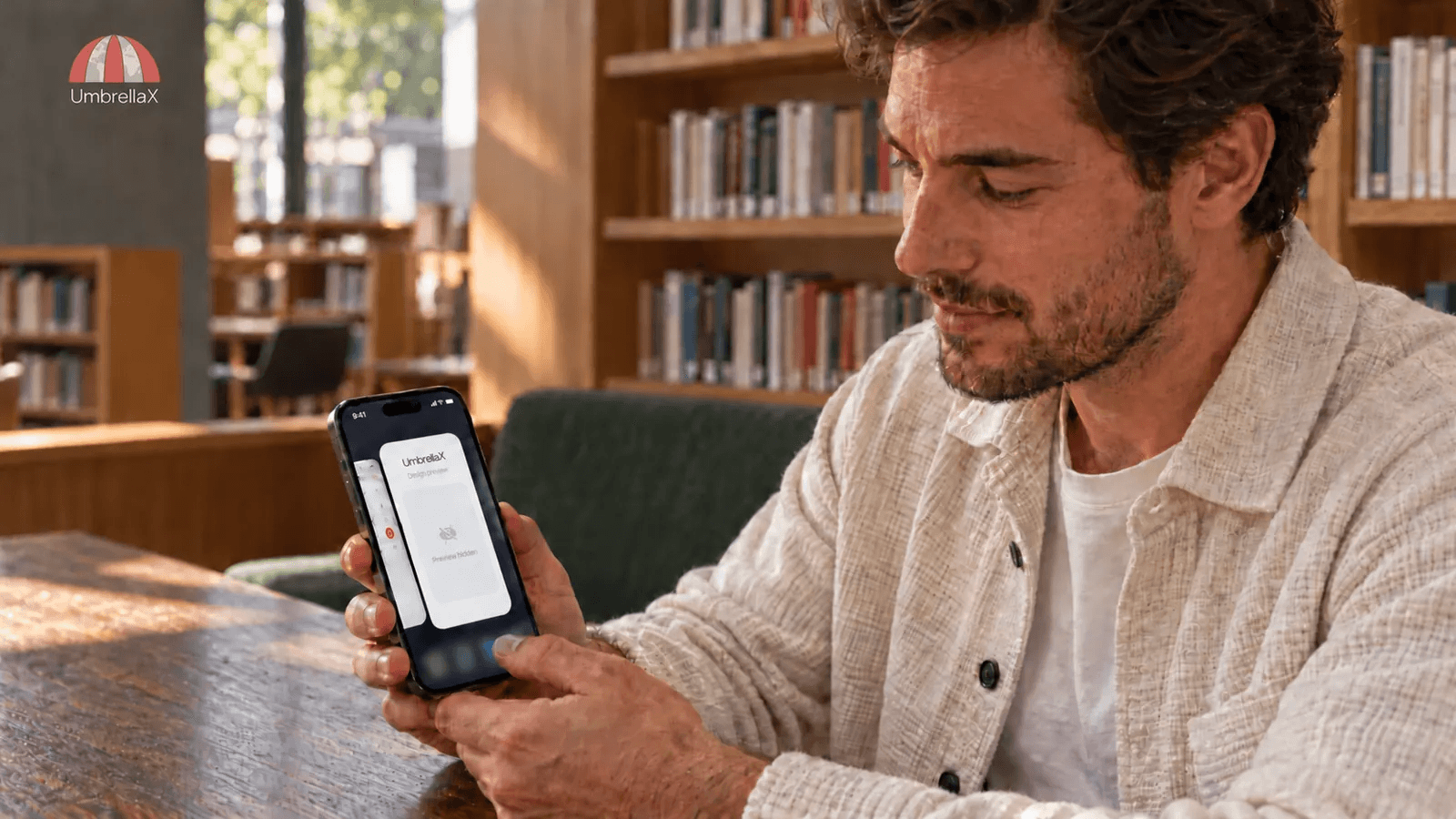
Signal screen security reduces exposure through local screen previews and supported capture paths. On mobile, look in Signal’s Privacy settings for Screen Security on Android or Hide Screen in App Switcher on iPhone. Screen Lock is a separate control for opening and interacting with the app. On Windows 11, Signal enables screenshot protection by default to help exclude chats from Microsoft Recall and other ordinary captures. The important boundary is local: changing a setting on your device does not impose it on a conversation partner. It does not protect a device from malicious software already controlling the operating system. If a capture restriction breaks an accessibility tool you need, review the computer’s recording settings before disabling it, then test with harmless text. Keep notifications, app access and background previews as separate decisions. These controls reduce avoidable copies of readable messages; they do not change the encryption of messages travelling between participants.
I am building UmbrellaX because I want private communication to remain understandable after the message arrives, not only while it crosses a network. A conversation can be properly encrypted and still be exposed when someone switches apps beside another person or shares a desktop during a call.
This guide uses current primary documentation checked on 15 October 2026. The procedures below are documented settings, not a claim that I tested every handset, Windows build or accessibility tool. My judgement is about the boundary a reader should verify on the device they actually use.
Start with the screen you want to protect
Before changing a switch, identify the event that worries you. Leaving a chat for another app creates a different problem from handing an unlocked phone to someone. Sharing a work screen creates another. Calling all three a screenshot problem makes it too easy to choose the wrong control.
| Situation | Control to inspect | Boundary that remains |
|---|---|---|
| A conversation is visible in the mobile app switcher | Mobile preview-hiding setting | Reopening the app is a separate access decision |
| Someone can pick up your unlocked phone | Mobile Screen Lock and its timeout | Authentication strength still depends on the phone |
| A Windows capture contains private chat text | Desktop Screen security | Other capture paths and devices need their own review |
| A name or message appears in an alert | Notification preview settings | A covered app-switcher card does not configure alerts |
I would start with the ordinary accident I can actually prevent. If I am showing someone a map, the previous conversation should not sit legibly beside it in the app switcher. That is a useful privacy improvement even though it says nothing about a determined attacker controlling the device.
The alert row has its own push-notification privacy guide. This article stays with the app’s visible surface and the copies a local display system can make from it.
Hide the mobile app-switcher preview
Signal’s Screen Security instructions give the mobile route: open your profile, then Privacy; on iOS, Settings appears in that route. Android calls the control Screen Security. On iPhone, look for Hide Screen in App Switcher. Enable the relevant control and inspect the resulting card after moving to another app.
The iPhone wording matters. Signal’s versioned iOS implementation applies that cover while the app is inactive. The named toggle should not be confused with any separate screenshot control available in your app and OS version. Apple’s background-UI documentation explains that UIKit takes a snapshot for the app switcher. Developers must remove sensitive information before that snapshot. Hiding this background image addresses an OS convenience surface; it is not a promise to stop every foreground screenshot.
Android has a different capture mechanism. Its developer guidance describes FLAG_SECURE, a window flag that restricts screenshots and display on non-secure outputs. That explains why capture protection can affect more than the recents card on that platform. Google’s guidance also describes limitations, so I would not elevate a display flag into proof against every overlay or recording attack.
My preference is to keep preview hiding enabled unless it makes something I need unusable. A readable recents card rarely adds enough value to justify leaving private text exposed. I would still check the actual result after a significant app or OS update, rather than treating the setting label as permanent evidence.
Screen Lock is an entry barrier
A covered preview does not answer who can open the conversation again. Signal’s separate Screen Lock uses the phone’s PIN, passphrase or biometric authentication and offers a timeout. Its current support page says Desktop does not provide that mobile Screen Lock feature.
The Signal PIN is separate too. It is not the credential I would expect to unlock the local chat screen. Use the registration-lock explanation if the concern is someone registering your number again.
Consider lending someone a phone to look at a photograph. Hiding the recents preview narrows what they might see while switching apps. A suitable app lock adds an entry barrier if they try to open the messenger. Neither choice repairs a weak device passcode or makes an already unlocked conversation unreadable to someone looking over your shoulder.
I would choose a timeout by the way I use the device. Frequent reauthentication can create friction, especially with assistive input, but leaving a sensitive messenger open for long periods has a real cost. The useful decision is explicit: how quickly should this device ask me to authenticate again? Test that transition instead of assuming that switching away always locks immediately.
A black Windows screenshot can be expected
Signal’s Windows screen-security announcement explains why the Windows 11 default blocks ordinary capture: a readable chat could otherwise become material for automatic screen history. A black or missing Signal region in a screenshot can therefore indicate the protection working, rather than a broken conversation.
The Desktop route is Settings > Privacy > Screen security. This is a local setting on that computer. I would not turn it off reflexively to make a screenshot look normal, particularly before a support call or screen-sharing session. First decide whether the person or tool receiving that capture should see the chat at all.
Recall also needs an accurate description. Microsoft’s current support documentation says saving snapshots is opt-in and requires eligible hardware. It provides app filters and controls under Windows Settings > Privacy & security > Recall & snapshots. It is wrong to assume that every Windows 11 computer is automatically recording conversations.
My concern is still concrete when recording is enabled: a screen-history tool can create another readable copy outside the messenger’s conversation view. Local storage and authentication controls matter, but they do not make that copy disappear merely because the original chat was encrypted. I would inspect the computer’s actual configuration before making a privacy decision about it.
Keep accessibility usable before changing capture settings
Privacy controls must leave people able to communicate. Signal acknowledges that its Windows capture restriction can interfere with some screen readers or magnification tools. It offers a warning and confirmation before a user disables the setting. I think that is a defensible tradeoff: a useful default, plus a deliberate escape when the default blocks access.
If an assistive tool fails, I would first establish what function is missing using non-sensitive text. Then I would review Recall, any screen-sharing software and the computer’s account access. Where appropriate, turn off snapshot saving or filter the messenger before changing its capture control. A filter is a scoped measure for that recording feature, not a replacement for all endpoint protection.
Microsoft’s SetWindowDisplayAffinity documentation makes the general limit explicit: window capture exclusion is not a guaranteed defence against copying, including photographing a display. That is the right scale of promise for this feature.
I would rather publish an accessible setting with clearly described limits than a security badge that forces someone to abandon their screen reader. The override should explain what becomes possible and stay local to the device that needs it. A conversation partner should not be told that their own screen has changed because I altered mine.
Test with a harmless conversation
My practical test uses a made-up sentence with no personal information. I would avoid putting a real private exchange into a screenshot merely to find out whether screenshots are protected.
- On the phone, display the harmless text, switch to another app, and inspect the messenger’s recents card.
- Return after the chosen lock timeout and check whether authentication is requested as expected.
- On a computer, check any capture, screen-sharing or assistive tool you actually rely on, with the harmless conversation still displayed.
- Record the result for that app version, device and setting. If you made a temporary exception, restore the intended configuration afterward.
This is a proposed reader procedure, not laboratory evidence of universal protection. An unexpected result is a reason to narrow what you display until you understand it. I would not send a secret first and investigate the control afterward.
Repeat the relevant check on each authorised endpoint. Use the linked-devices guide to add or remove those readers. A phone’s preview preference is not evidence about a laptop already receiving the same conversation.
For the recipient-copy question, use the disappearing-message boundaries. A local capture control does not give a sender remote power over another person’s camera or memory.
What I require at UmbrellaX’s screen boundary
UmbrellaX is pre-launch. I am setting a requirement for its local privacy experience, not announcing that every platform control described here has shipped. My standard is that leaving a conversation, opening it again and allowing a tool to capture it should be understandable decisions with platform-specific explanations.
The stronger privacy posture I am working toward combines that local discipline with an account that does not begin with a telephone number. Removing the number does not protect a visible screen, just as hiding a screen does not remove a carrier identifier. I want both boundaries addressed, with encryption by default and deliberate group access, rather than a single switch carrying more meaning than it can support.
An accessibility exception can reveal a person’s needs as well as their chosen display policy. I do not want a local accommodation turned into account profiling. My requirement is to justify any synchronisation of that preference before collecting it, and to explain its handling in our operator-data model and privacy commitments. Our Kazakhstan jurisdiction, outside the Five Eyes, must support restrained operator obligations while the client still earns trust on its own screen.
When evaluating a messenger, I would trust a narrow claim I can check: this card is covered, this app asks me to authenticate, this capture path is excluded on this device. I would not trust a blanket promise that nobody can save what they can read. That distinction is the screen experience I want UmbrellaX to make clear before asking anyone to rely on it.
Sources
- Signal Support: Screen Security official
- Signal Support: Screen Lock official
- Signal: By Default, Signal Doesn't Recall official
- Microsoft Support: Retrace your steps with Recall official
- Microsoft Learn: SetWindowDisplayAffinity function official
- Android Developers: Secure sensitive activities official
- Apple Developer: Preparing your UI to run in the background official
- Signal iOS 8.32: inactive screen protection official