



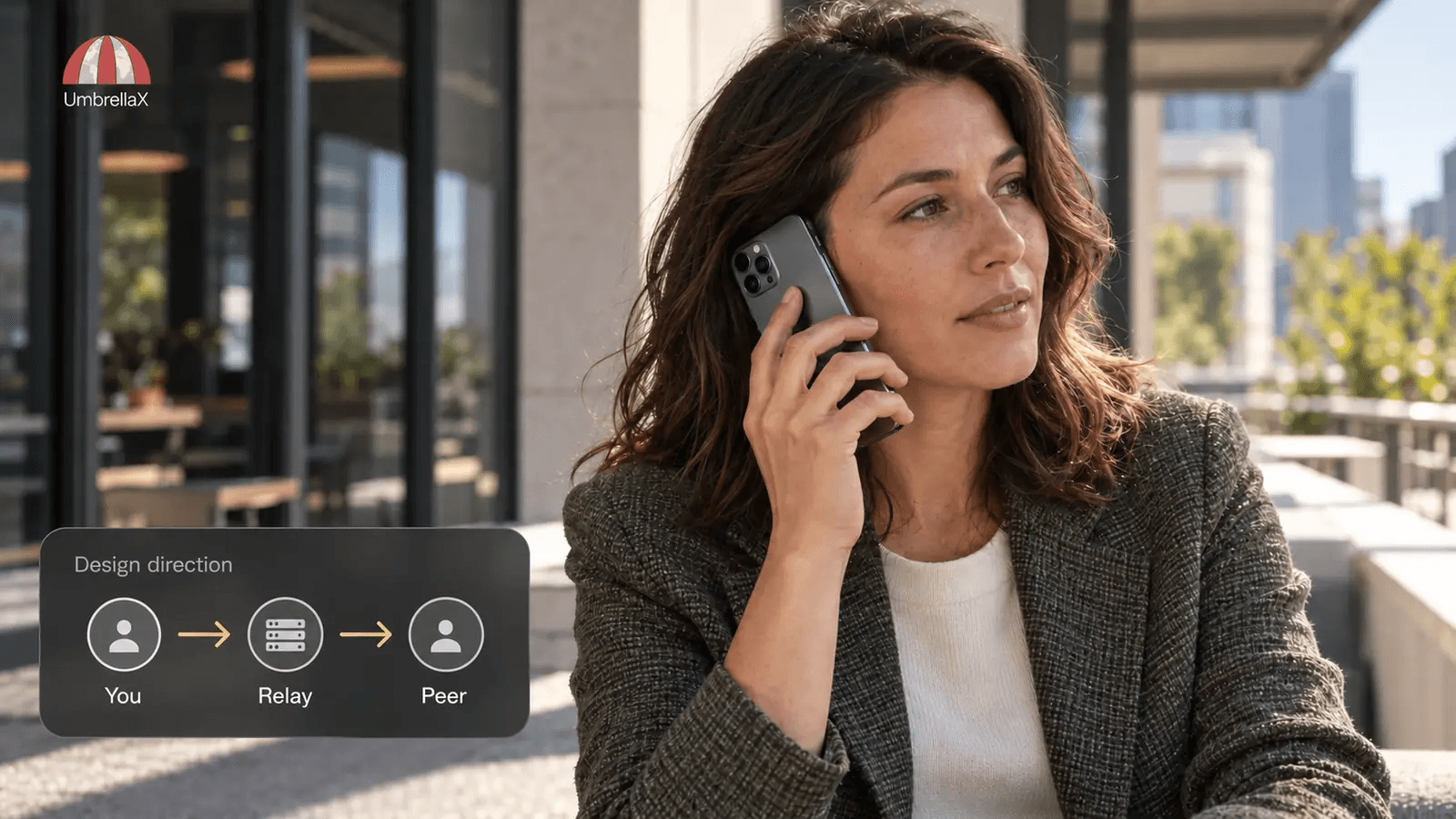
Signal always relay calls routes individual voice and video calls through Signal’s servers so the other participant does not receive your IP address through a direct call connection. On Android and iPhone, open Signal Settings > Privacy > Advanced and enable Always relay calls. On Desktop, use Preferences > Calls. Check the device you will actually call from; I would not assume that a phone preference has configured a linked computer. Relaying changes the network route while the conversation remains end-to-end encrypted. It can reduce call quality. It does not hide your connection from the relay operator, remove your account identity or control what the other person records. I would enable it before a first conversation when disclosing my network address is unnecessary, then test the audio with harmless conversation. The useful promise is protection from peer-address disclosure, with an explicit reliability tradeoff.
I am building UmbrellaX around deliberate choices about who learns what. A call is a good test of that principle: agreeing to speak to someone should not silently settle every network-privacy decision too.
I checked the instructions and official release source on 27 October 2026: Android v8.32.3, iOS 8.34.0.1942 and Desktop v8.32.0. This is documentation and source verification, not a claim that I exercised every handset or audited a live call for leaks.
Find the control on the device making the call
On Android, open Signal’s profile or settings menu, choose Privacy, open Advanced, then enable Always relay calls. Signal’s infrastructure article gives that mobile path in its calling footnote. The current Android release still places the switch in Advanced privacy settings.
On iPhone, open Signal settings from the profile entry, then Privacy > Advanced > Always Relay Calls. The current iOS settings controller contains this control. Read its explanatory text as well as the switch. Menu presentation can change between app and operating-system versions.
On Desktop, open Preferences > Calls, then find Always relay calls in the advanced calling options. Signal’s Desktop support instructions document this setting separately from the mobile menus. Looking for a mobile-style Privacy > Advanced path on a computer is unnecessary confusion.
After changing the choice, leave the menu and return to check its state. That is the first check I would make before troubleshooting a connection. If the control is absent, compare your installed app with the current official version and its own settings text. Do not install an unofficial modified client to obtain a privacy switch.
A laptop is also a calling endpoint. I would review its preference before making a call there, even if I normally use the phone. Approving it as a linked device and choosing its call route are separate actions. The fact that both devices show the same conversation does not establish that you inspected both sets of calling preferences.
An unchecked switch does not mean every call is direct
The default is easy to explain badly. In the production releases checked for this guide, the optional Always relay control starts off. However, Signal’s call setup also considers the relationship with the other account. It can require relaying without the global switch being enabled.
The Android outgoing-call code combines profile-sharing state with the always-relay preference. The incoming route applies the same kind of protection. On iOS and Desktop, call setup checks whether the other person is a Signal connection, alongside the relay preference.
Signal’s connection definition includes people whose chat you initiated, whose message request you accepted, or whose phone number you saved as a contact. These are ordinary actions. A person can become an established connection before you have much reason to trust them with additional information.
My practical reading is simple: an unfamiliar account can receive automatic relay protection, while an established connection may qualify for direct calling. A usable direct route is still not guaranteed; networking conditions matter. I would not use an old blanket rule that all outgoing calls are direct, nor assume that accepting a request leaves the relationship unchanged for calling.
Enabling the global control avoids depending on that relationship distinction when your requirement is to withhold the network address from the peer. Saving a number to recognise a contractor next week should not be a privacy experiment you only discover during a call.
The situation where I would leave it enabled
Imagine a first voice conversation with someone helping on a small project. We have agreed to speak, but that does not mean I want their software to learn the public network address associated with my side of the call. I would enable relaying before dialling and leave it enabled for the working relationship.
The gain is specific to that observer. A direct call can expose a network address to its other endpoint; putting a relay between the endpoints changes that path. It is not a claim that every caller will inspect network traffic, or that an address identifies an exact home. The point is to avoid making an unnecessary disclosure available in the first place.
Signal’s ICE-forking explanation also makes an essential distinction: the relay does not hold the keys to decrypt the audio and video. Selecting this route is not a choice to let the server listen. For the deeper explanation of routes, verification and media protection, use my encrypted-calling guide. That broader evaluation is a separate task from finding this particular switch.
I would not describe the switch as anonymity. The service carrying the traffic still receives network connections, and your account relationship still exists. What an infrastructure edge observes and what an operator retains need separate evidence. The messenger-metadata analysis covers that operator question. This preference cannot establish a universal logging policy.
Troubleshoot quality without losing the original requirement
Signal’s own control warns about a quality cost. An extra relay path can add latency or make a marginal connection harder to use. There is no measured universal penalty I can promise here, and poor audio alone does not prove the relay caused it.
I would rehearse on the endpoint and network I expect to use, with an ordinary conversation that contains no sensitive information. Confirm that both people can hear, that the intended microphone is selected and that the connection remains usable. Returning to the preference verifies the saved choice. Hearing a clear call verifies usability; it does not independently prove the packet route.
If audio is broken, check ordinary causes first: a muted microphone, an unexpected headset, poor connectivity or an outdated client. On Desktop, checking the selected audio input can solve a different problem from changing routing. Microphone and camera access are covered by the separate permissions guide.
Changing to another available network may help with reliability, but I would still keep the privacy requirement visible. Do not turn the switch off reflexively just because a support suggestion says to try every setting. With it off, a known connection may again qualify for direct routing.
For a low-sensitivity call with someone I trust, I might deliberately accept that tradeoff after ordinary troubleshooting. For a call where peer-address privacy is part of the reason for using the app, I would postpone or agree another suitable channel instead. Completing the call is not success if I discarded the condition that made it acceptable.
There is no need to send a stranger diagnostic material to learn whether the menu choice saved. A screenshot of a preference is also only a screenshot of that state. If a situation requires technical assurance about actual traffic, seek a properly scoped network review rather than declaring success from a browser’s IP-check page.
Keep group routing and content access in their own scope
The word “always” can tempt readers to treat the switch as a master description of every Signal mode. Signal’s group-call architecture uses a Selective Forwarding Unit. The individual-call setting is not evidence that group media previously travelled directly between every pair of participants. Calls joined through a link are another mode to keep separate, even with only two people: the checked Desktop call-link setup uses the SFU path. Here, individual calling means an ordinary account-to-account call, not a participant count.
I would examine the relevant call mode before borrowing a conclusion from another. For group membership and who receives protected conversation material, see the secure-group analysis. This guide does not reproduce its membership or key-management explanation.
Relaying also leaves the other participant able to hear what you say and see what you choose to show. Naming a street, filming a recognisable view or revealing an address in a screen share can disclose a location without anyone inspecting an IP packet. My decision to use a relay would therefore sit alongside an ordinary decision about the conversation itself.
The choice I want UmbrellaX callers to understand
UmbrellaX is pre-launch. The cover is an editorial design direction, not a screenshot of a released calling feature. My requirement is that someone who accepts a new contact can still understand the network consequence of placing a call.
I do not want the fast path to be a hidden reward for accepting a chat. If an interface offers a direct route, it should explain the peer-address consequence before the caller chooses it. Paying for relay capacity and making reliability good enough to keep that choice usable are operator responsibilities I accept. A privacy preference that people must routinely abandon to be heard would need engineering work, not better wording.
The planned account model without a phone-number foundation addresses a different disclosure: tying identity to the telecom system. It does not eliminate the need to handle network addresses carefully. Likewise, operating from Kazakhstan, outside the Five Eyes, does not make a relay connection disappear or justify keeping unnecessary call records.
I want my work on UmbrellaX judged on whether these choices remain clear as people move between phone and computer. The privacy responsibilities of the operator continue after a call ends. My preference is to make a private route easy to keep, explain any deliberate change before it happens, and require evidence for what the service claims about the records left behind.
Sources
- Signal: Privacy is priceless, but Signal is expensive official
- Signal Support: In-App Notification Options official
- Signal Support: Phone Number Privacy and Usernames, Deeper Dive official
- Signal Android v8.32.3: outgoing call routing official
- Signal iOS 8.34.0.1942: Advanced privacy settings official
- Signal Desktop v8.32.0: connection-dependent call routing official
- Signal Desktop v8.32.0: call-link SFU setup official
- Signal: Multi-device calls with ICE forking official
- Signal: How to build large-scale end-to-end encrypted group video calls official